Maybe you don’t need
a Studio Display.
Display² Studio gives your Mac the iMac’s camera and microphone, for meetings, classes and recordings, and its screen and speakers too. The iMac on your desk still has plenty to give.
Display² Studio is a Mac app that uses the iMac you already own. It is not an Apple product, and not an accessory for Studio Display.
Devices and screens are illustrations.
Compared with Studio Display
The same 27-inch 5K.
You already have one.
The 27-inch iMac that has kept you company for years has a screen of the same size and resolution as Studio Display. It has its own camera, microphone and speakers too; it just never had a way to lend them to your Mac.
Studio Display (2026)
From US$1,599
Apple’s price: standard glass, tilt-adjustable stand. With the tilt- and height-adjustable stand from US$1,999; nano-texture glass from US$1,899. In mainland China from RMB 11,999.
27-inch 5K iMac + Display² Studio
Already yours
The iMac is the one on your desk. Display² Studio is a one-time purchase, with a free 24-hour trial.
The screen is the same. Colour, brightness, microphone and connection come close. For camera, speakers, charging and ports, Studio Display is better. And a display that is still a whole computer? Only the iMac.
| Item | Studio Display (2026) | 27-inch 5K iMac + Display² Studio |
|---|---|---|
| Screen | 27-inch 5K, 5120×2880 | Same27-inch 5K, 5120×2880 |
| Colour | P3 wide colour, one billion colours, True Tone | CloseP3 wide colour, one billion colours; True Tone on the 2020 model only |
| Brightness | 600 nits | Close500 nits |
| Microphone | Studio-quality three-mic array | CloseThe iMac’s own microphone (a studio-quality three-mic array on the 2020 model too), seen by the Mac as a microphone |
| Connection | One Thunderbolt 5 cable | CloseOne Thunderbolt or USB cable; the same Wi-Fi also works, as a fallback |
| Mac needed | Apple silicon, macOS Tahoe 26.3.1 or later | CloseApple silicon, macOS 14 or later |
| Camera | 12MP, Center Stage, Desk View | It’s betterThe iMac’s own FaceTime HD camera (1080p on the 2020 model), seen by the Mac as a camera |
| Speakers | Six speakers, Spatial Audio | It’s betterThe iMac’s own stereo speakers, call sound included |
| Charges a laptop | 96 W | It’s betterNo |
| Extra ports | Two Thunderbolt 5, two USB-C | It’s betterNone; the iMac’s ports stay the iMac’s |
| “Hey Siri” | Yes | It’s betterNo |
| Displays per Mac | Depends on the Mac | It’s betterSeveral iMacs are in development, not guaranteed yet |
| When not a display | Just a display | Only the iMacStill an iMac; quit, and it is back to its own desktop |
| Price | From US$1,599 | Only the iMacAlready yours; Display² Studio is a one-time purchase |
Apple, iMac, Mac, Studio Display, Mac Studio and Mac mini are trademarks of Apple Inc. Display² is not affiliated with Apple. Prices and specifications are as published by Apple.
To be fair
Where Studio Display
is better.
Center Stage and Desk View. The iMac’s camera does not follow you.
Spatial Audio. Six speakers; the iMac cannot match them.
One cable charges your laptop, with four more ports.
Brighter, newer, under warranty. An old iMac is an old machine.
If those matter to you, Studio Display is worth buying. If your iMac still lights up, perhaps let it keep you company a little longer.
Features
In a meeting,
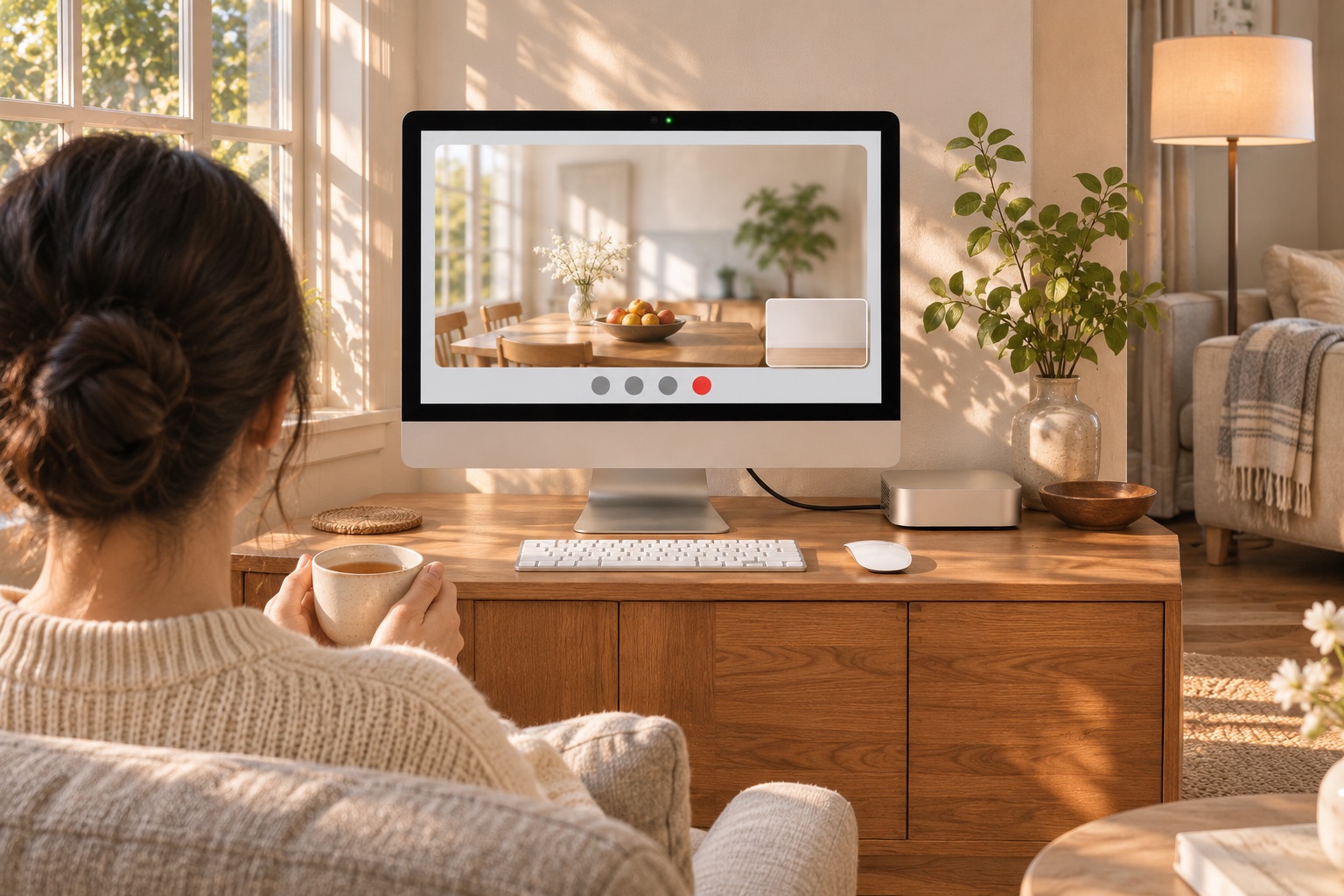
it is your Mac’s camera.
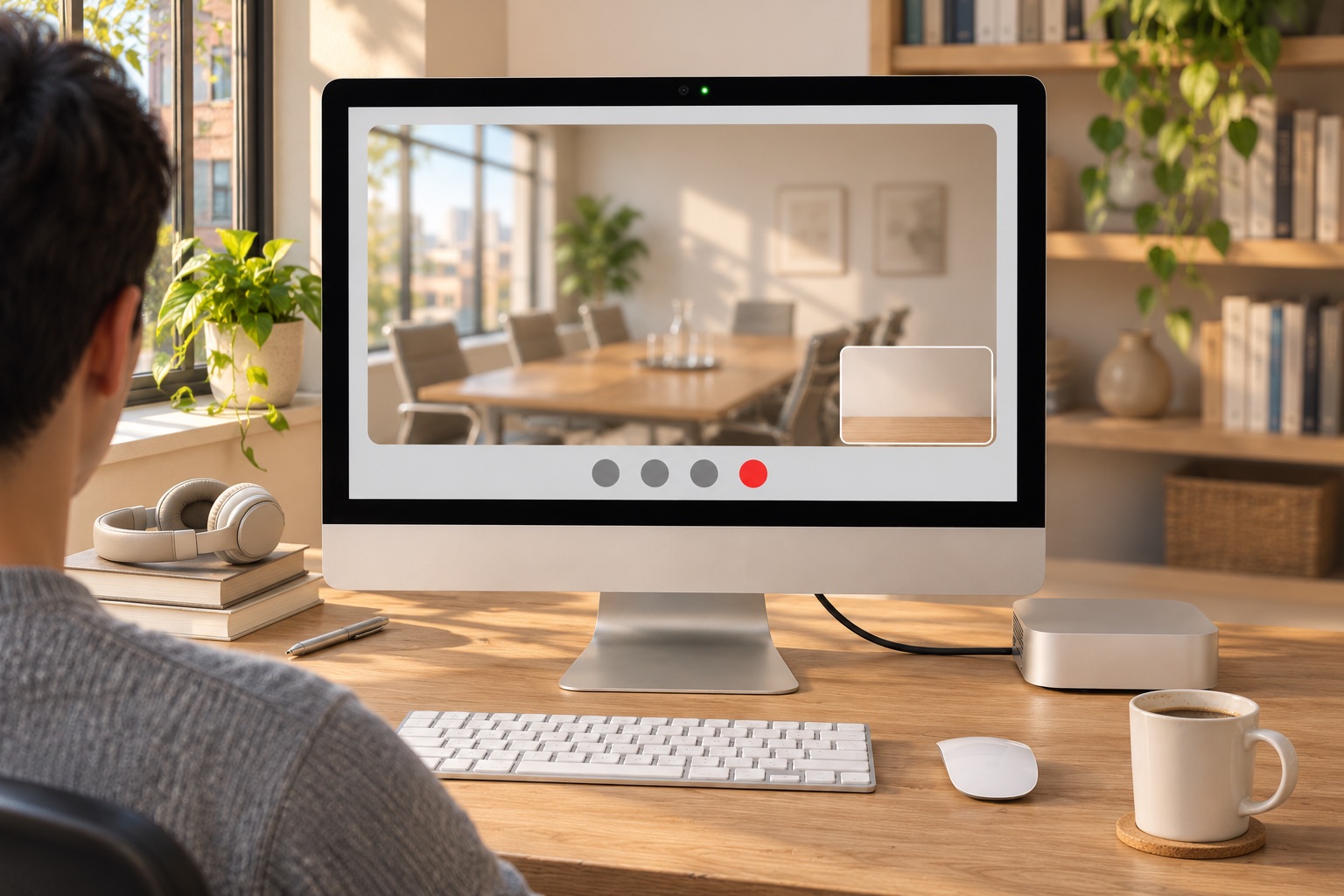
Choose your iMac in the camera and microphone lists of your meeting app. When nothing uses it, the camera stays off.
 Illustration
Meetings
The iMac’s screen, camera, microphone and speakers, all for your Mac.
 Illustration
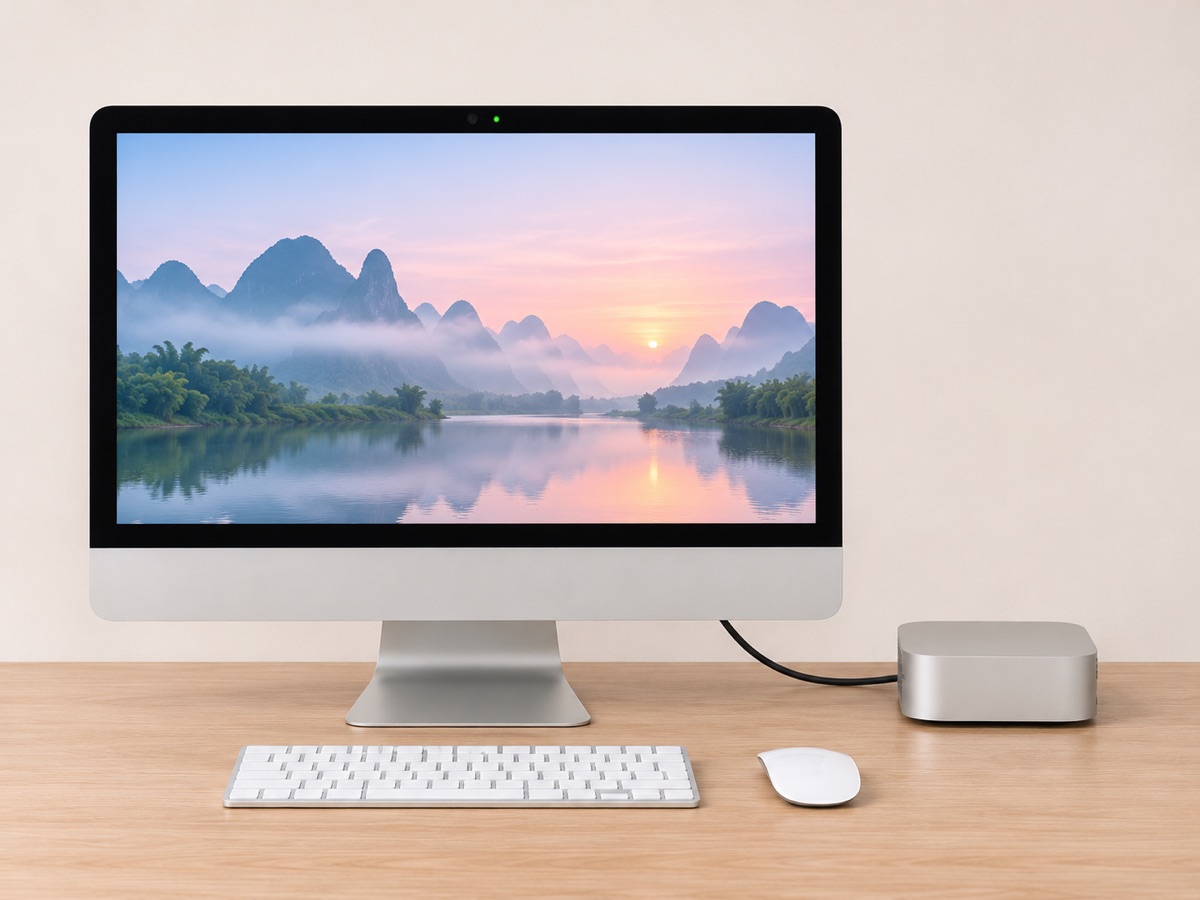
Mac mini
It has no camera or microphone. The iMac beside it has both.
 Illustration
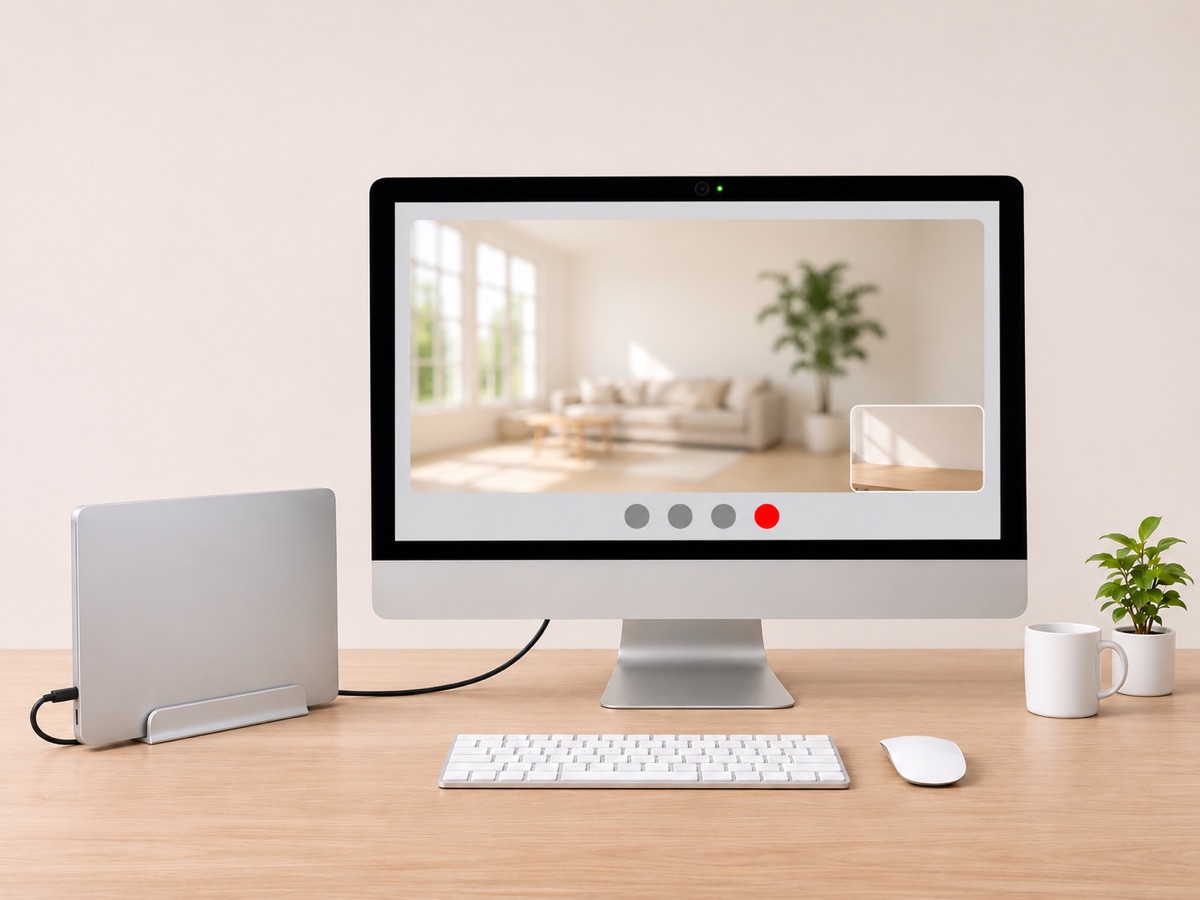
Lid closed
Close the MacBook and its camera closes too. Use the iMac’s.
No echo
Sound plays from the iMac, and the other side does not hear itself. The echo is removed on the Mac.
Sound follows the call
When your Mac has its own screen and speakers, call sound moves to the Mac when a call starts, and back when it ends.
 Illustration
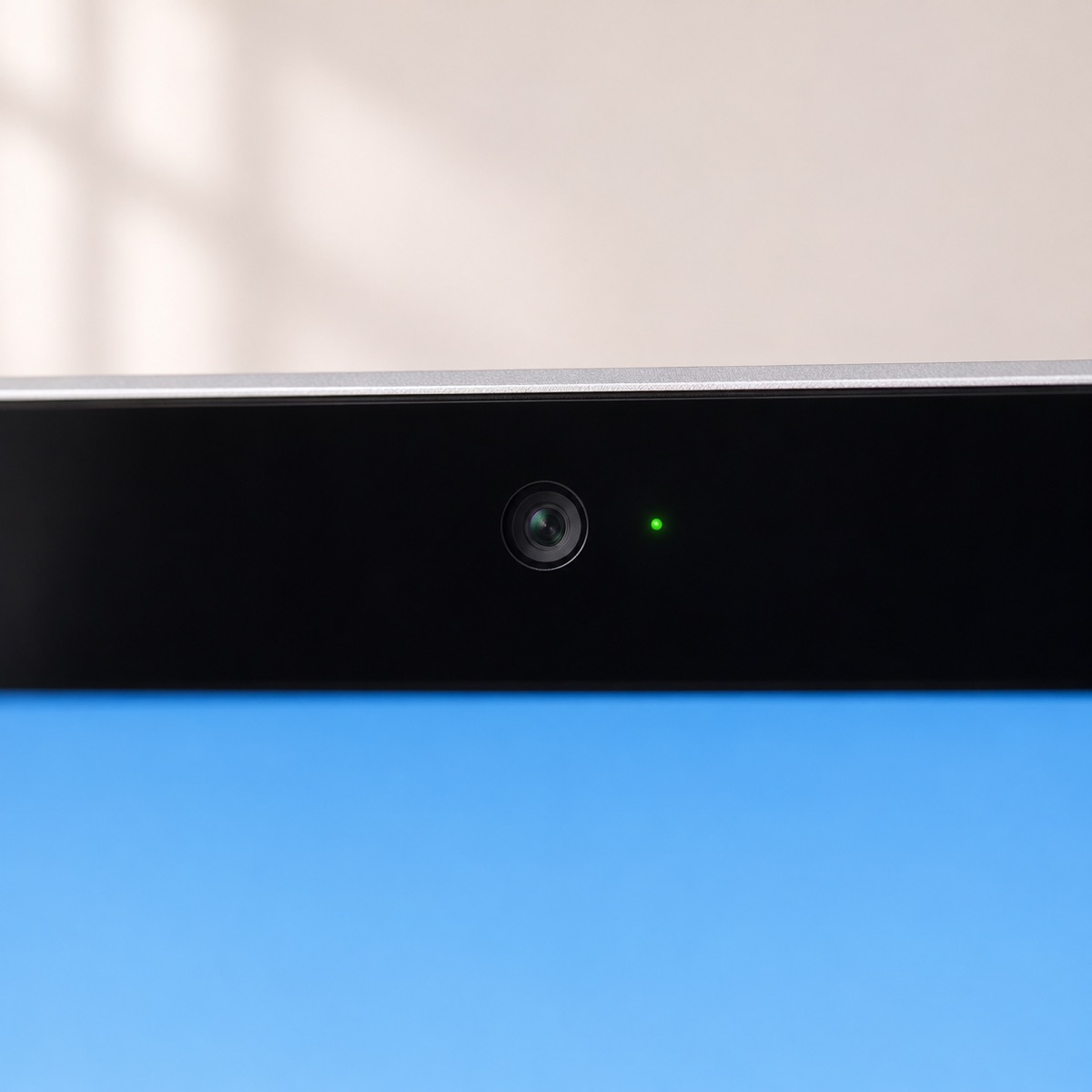
Green light, camera on
While an app uses the camera, the green light on the iMac is on; a few seconds after it stops, the light goes off.
One switch on the iMac
The iMac’s menu has one switch that lets the Mac use this iMac’s camera and microphone. Turn it off, and the Mac cannot.
The screen, as before
Everything in Display² Pro is here: plug in and it connects, native 5K, and the Mac’s volume keys set the iMac’s volume.
 Illustration
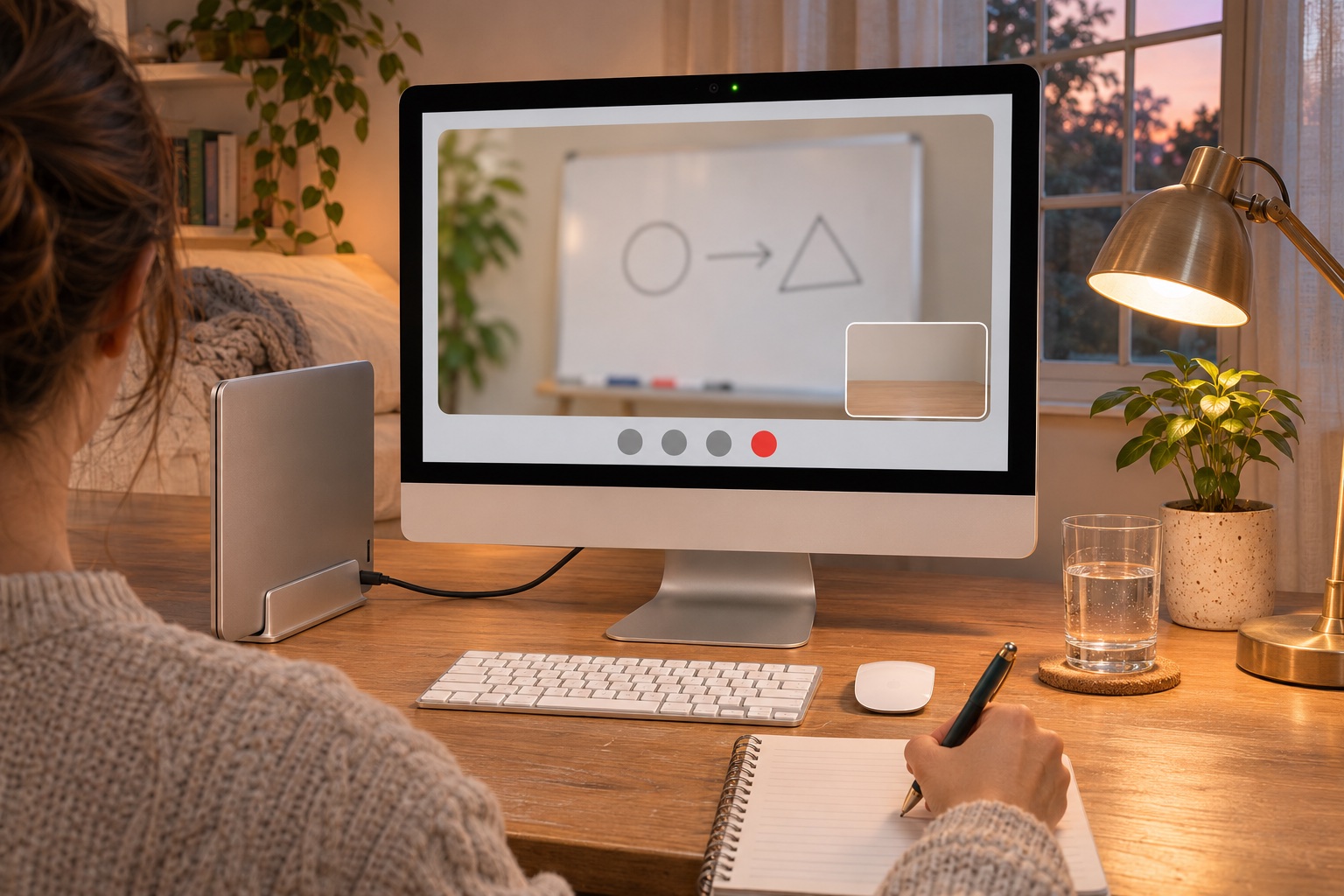
Classes
Online lessons and tutoring, on the iMac’s big screen and camera.
 Illustration
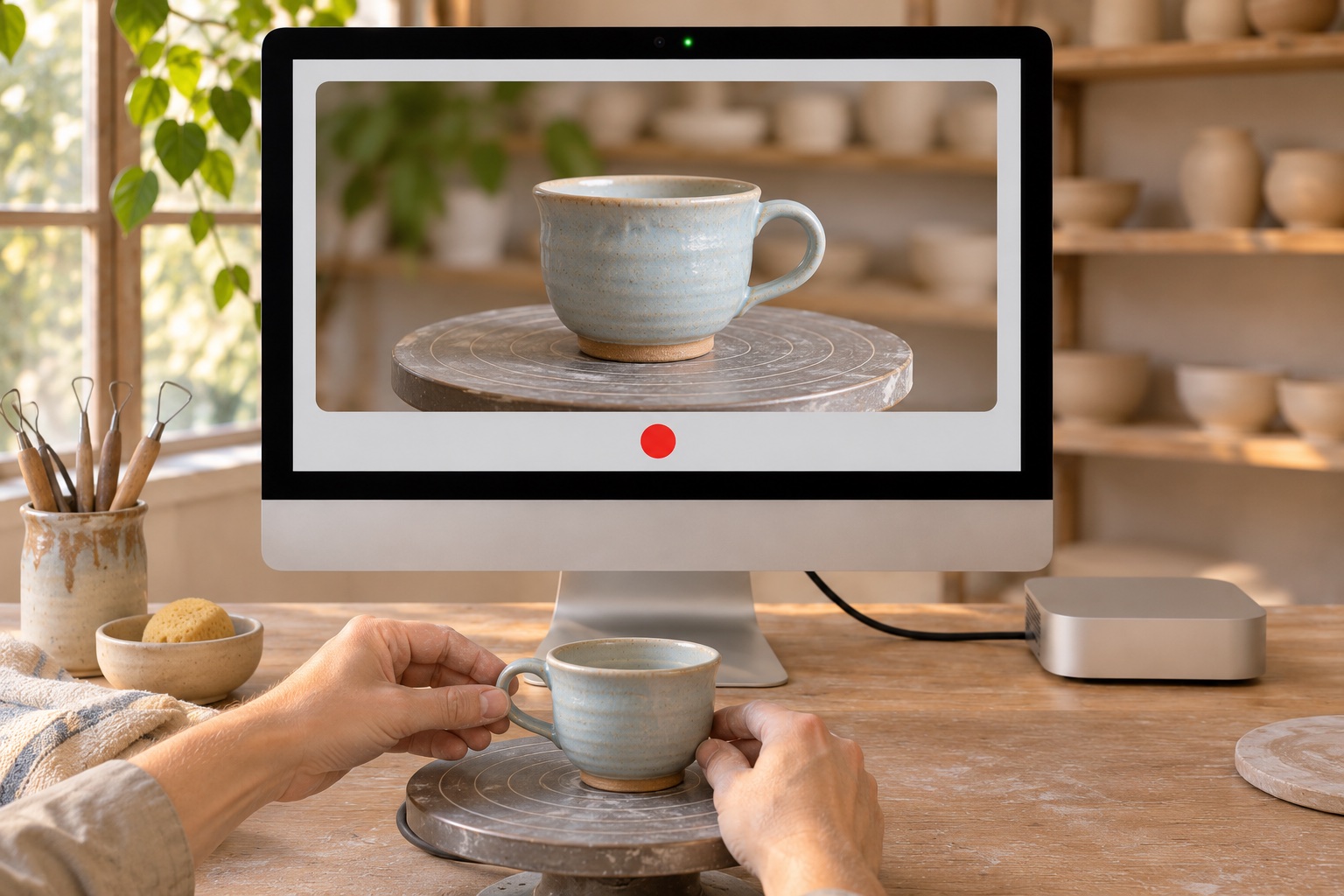
Recording
Talks and tutorials, recorded with the iMac’s camera and microphone.
 Illustration
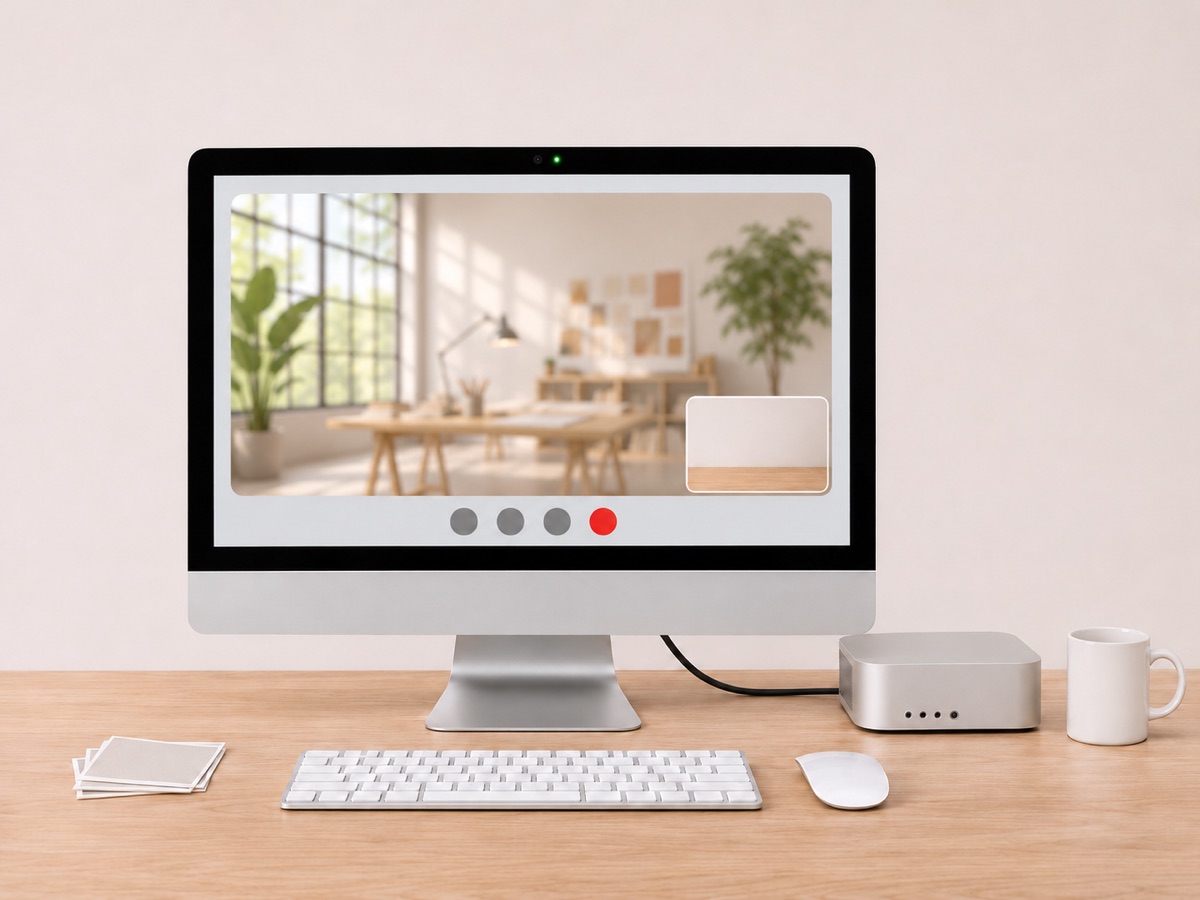
Mac Studio
The most powerful Mac on the desk borrows the iMac’s eyes and ears.
Several iMacs In development
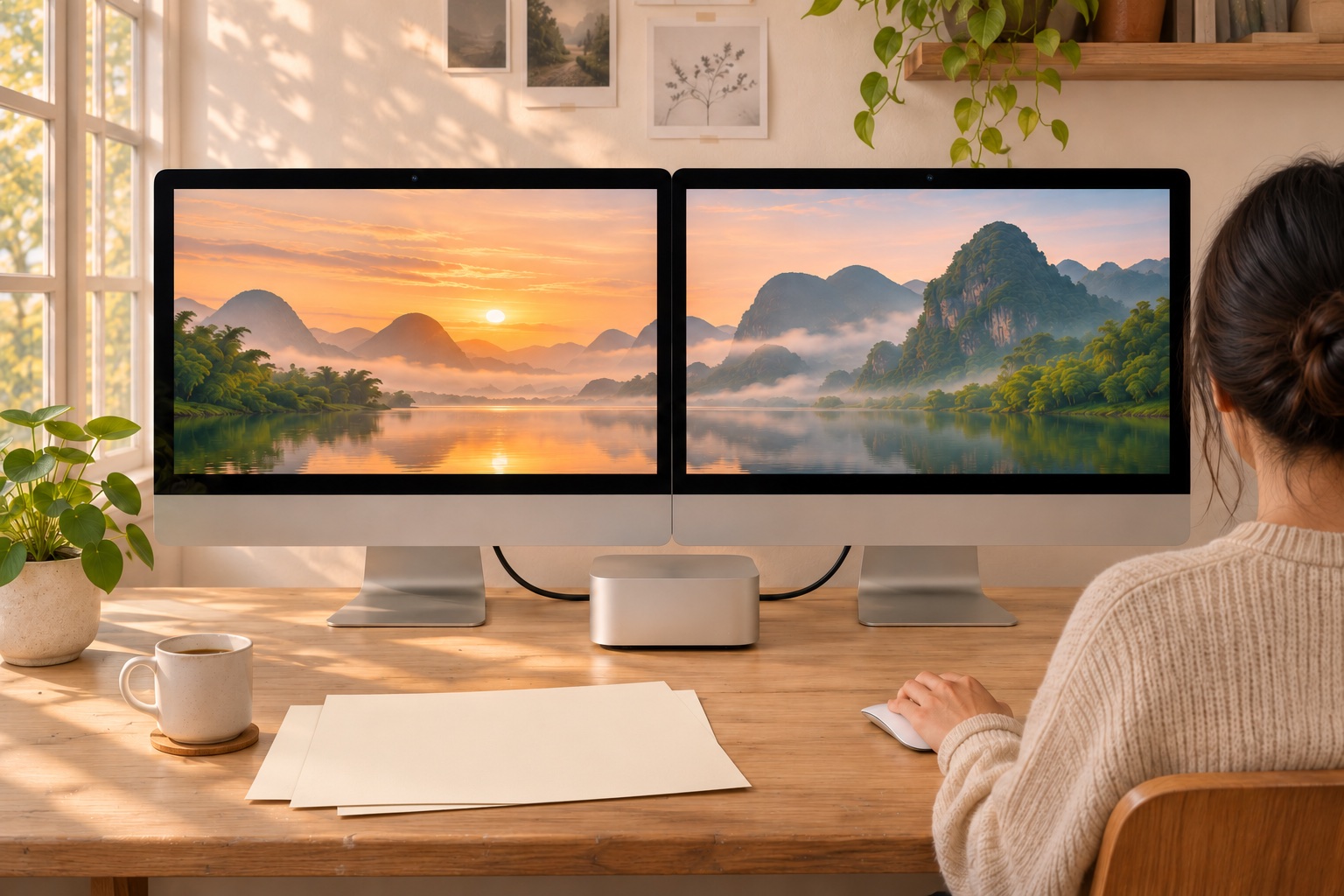
Two iMacs,
one Mac.
What we are working on next: one Mac using several iMacs as displays at once. It is still in development and not guaranteed yet. When it is ready, this page will say so.
Why we made it
A little longer
together.
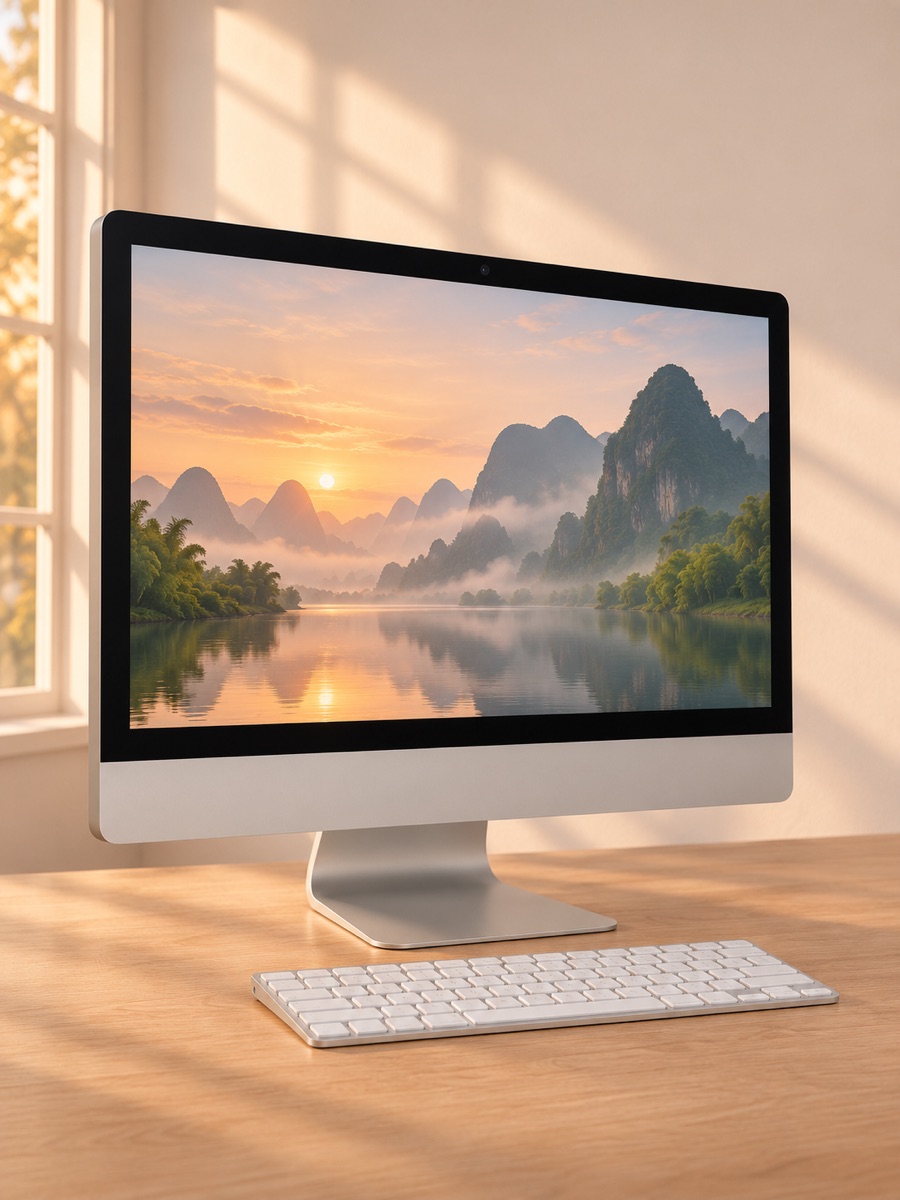
Many 27-inch iMacs still have a fine screen. Then a new Mac arrives, and the iMac gets pushed aside.
Display² Pro gave it back its job as a screen. But in meetings people still go looking for a camera and a microphone, and the iMac’s are right there at the top of the screen.
Display² Studio hands those to your Mac too. No new display to buy; the old friend on your desk keeps going.
 Illustration
 Illustration
Before you buy
Three things
to have ready.
Set up
Set up once,
then just join the call.
Install on the Mac
Open the installer and drag the app to Applications. The first time, allow the camera extension and enter your admin password once for the microphone driver; any sound playing will cut out for a moment.
Install on the iMac
Install Display² Studio Receiver on the iMac. Click Allow the first time the camera is used.
Plug in
They find each other. Pair once; after that, plug in and they connect.
Pick it in your meeting app
Choose your iMac’s name for both the camera and the microphone.
Trial
Try it for 24 hours,
with everything.
A full 24-hour trial starts when the iMac first shows a picture: camera and microphone included, no activation code. Starting it needs the internet once.
A Mac that has tried Display² Pro can still try Display² Studio; a Mac already activated with Display² Pro can choose “Try Studio Free for 24 Hours” in Settings › General (see the upgrade guide). One-time purchase, no subscription. Purchase outside mainland China is coming soon.
- One activation code activates one Mac
- On the iMac, install Display² Studio Receiver; it replaces the Display² Pro receiver and carries the camera and microphone
- Upgrading from Display² Pro: get an upgrade code, drag Studio into Applications and choose Replace; pairing, activation and settings stay. Then open Display² Studio and, in Settings › General, choose “Enter Upgrade Code…”
- Display² Pro does not turn into Studio by itself
FAQ
Is Display² Studio related to Studio Display?
No. Studio Display is Apple’s display. Display² Studio is a Mac app that uses the iMac you already own. Display² is not affiliated with Apple.
I have Display² Pro. How do I upgrade to Studio?
Get an upgrade code. Download the Display² Studio installer, drag the app into Applications and choose Replace; pairing, activation and settings stay. Install Display² Studio Receiver on the iMac too. Then open Display² Studio, enter the code in Settings › General, and install the iMac camera and microphone. Every step is in the upgrade guide.
How is it different from Display² Pro?
Display² Pro turns an iMac into your Mac’s display. Display² Studio adds the iMac’s camera, microphone and speakers, and removes echo in calls.
Which meeting apps work?
To your Mac, the iMac’s camera and microphone are an ordinary camera and microphone. Any app that lets you choose a camera and a microphone can choose them.
Is there Center Stage?
No. Center Stage is a feature of Studio Display and of some newer Macs’ cameras; the iMac’s camera does not have it.
Does it charge my laptop?
No. Plug your laptop into its own charger.
Does it work with an Intel Mac?
The Mac needs Apple silicon. On the other side, Intel 27-inch iMacs work.
Can one Mac use two iMacs?
It is still in development and not guaranteed yet. Today Display² Studio promises one Mac with one iMac. When it is ready, this page will say so.
How do I stop the Mac from using the iMac’s camera?
In the iMac’s menu, turn off the switch that lets the Mac use this iMac’s camera and microphone.
What language is the app in?
Chinese, for now.