Which cable do you need to use an iMac as a monitor?
To use an iMac as a display for your Mac, you need one Thunderbolt cable, plugged into a Thunderbolt port on each computer. It's the connection Display² supports, and the one 5K relies on. A 2014 or 2015 iMac has Thunderbolt 2 ports, so it also needs Apple's Thunderbolt 3 (USB-C) to Thunderbolt 2 Adapter and a Thunderbolt 2 cable. The hard part is telling the cable apart: a Thunderbolt cable and a plain USB-C cable have identical plugs. Here's the order: check the ports, pick the cable, then confirm it's working.
Check the ports on both computers
Which port you use matters as much as the cable.
- The iMac. A 2017 to 2020 iMac, or an iMac Pro, has USB-C-shaped Thunderbolt 3 ports on the back, marked with a lightning bolt. A 2014 or 2015 iMac has small square ports with the same mark: those are Thunderbolt 2. A 24-inch iMac has Thunderbolt ports; on M1 and M3 models with four ports, only two of them are Thunderbolt.
- MacBook Air and MacBook Pro. On M1 and later models, every USB-C port on the side is a Thunderbolt port.
- Mac mini and Mac Studio. On some models the USB-C ports on the front aren't Thunderbolt. Use a Thunderbolt port on the back.
If you're unsure, see Apple's Identify the ports on your Mac.
Pick the cable: how to spot Thunderbolt
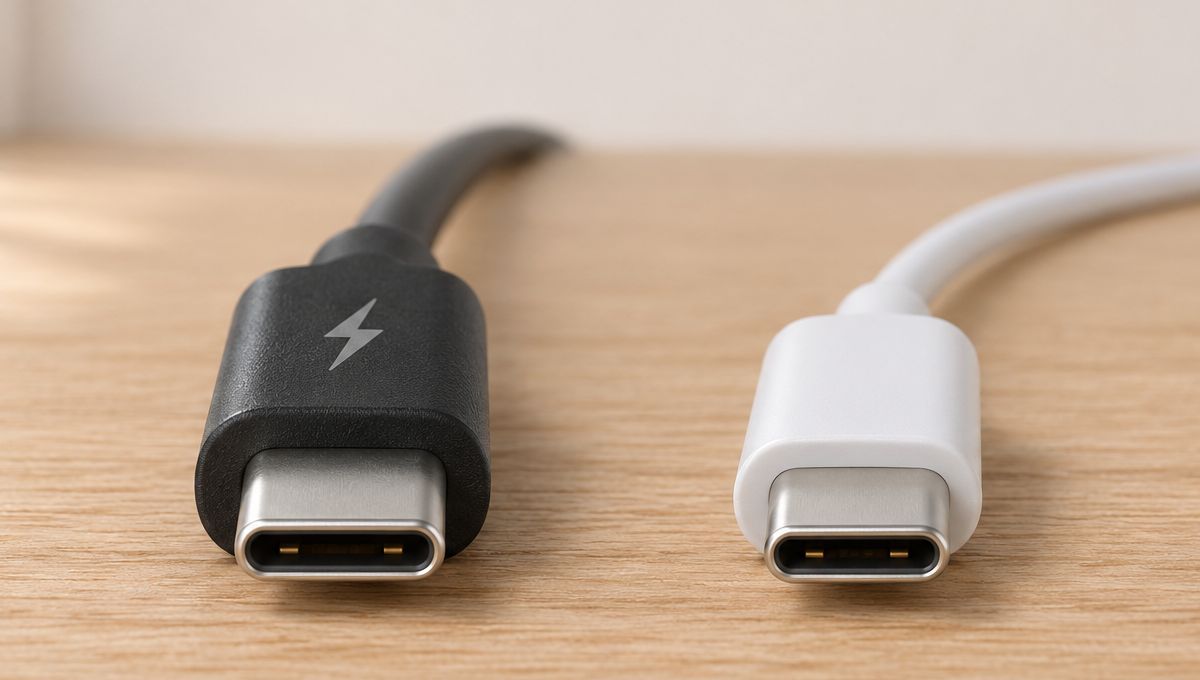
A Thunderbolt cable has USB-C plugs at both ends, usually with a lightning-bolt mark, and its box or listing says "Thunderbolt 3" or "Thunderbolt 4". The plug alone won't tell you. Apple's USB-C charge cable, with USB-C at both ends, isn't a Thunderbolt cable either.
Different cables give different results:
| What you have | What Display² does |
|---|---|
| A Thunderbolt cable | The connection we support, with a picture up to 5K |
| A USB cable that carries data | A fallback, up to 5K; how it looks depends on the cable |
| An Ethernet cable, Mac to iMac | A fallback, up to 5K; a Mac without an Ethernet port needs an adapter |
| No cable, same Wi-Fi | A fallback, up to 1440p; click the iMac in Display² to connect |
| A charge-only cable | Can't carry a picture |
 Illustration
Display² recognizes the fallbacks by itself, with nothing to set up. Cables, adapters and routers vary, so results vary too. More in Help: Which cable do I need? and Fallback connections.
A 2014 or 2015 iMac: you need both pieces
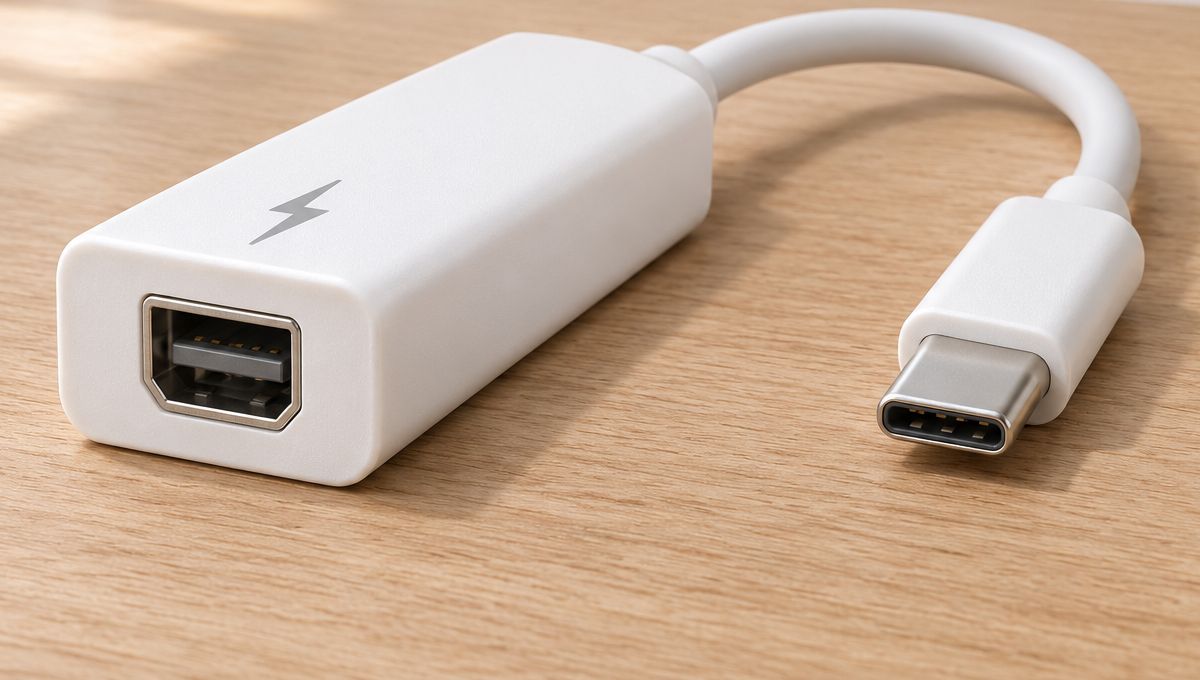
These iMacs connect like this: Mac → Apple's Thunderbolt 3 (USB-C) to Thunderbolt 2 Adapter → Thunderbolt 2 cable → iMac.
- Get Apple's Thunderbolt 3 (USB-C) to Thunderbolt 2 Adapter. Its own short lead only reaches the Mac.
- Add a Thunderbolt 2 cable, with small square plugs and a lightning-bolt mark at both ends, between the adapter and the iMac.
- Don't buy a USB-C to Mini DisplayPort adapter or cable. The plug looks the same, but it can't carry Display²'s picture.
 Illustration
Until the adapter arrives, a USB data cable or an Ethernet cable works in the meantime, as a fallback. Picture levels and more for these iMacs are in Using a 2014 or 2015 iMac.
Once it's plugged in, check it's working
- On the iMac, open the Display² Pro receiver.
- On the Mac, open Display² Pro and plug in the cable.
- The first time, type the 6-digit pairing code shown on the iMac into the Mac. After that, plugging in the cable is enough.
If it doesn't connect, change one thing at a time: the cable first, then the port. If Display² says "Some USB cables only charge — try a data cable.", it's the cable; use one you know carries data.
Common questions
Can I use an HDMI or DisplayPort cable?
No. A 5K iMac has no video input, so an HDMI or DisplayPort cable can't carry a picture into it. Display²'s picture travels over the Thunderbolt cable, and the receiver on the iMac shows it.
Will Apple's USB-C charge cable work?
It isn't a Thunderbolt cable. For 5K and the steadiest connection, use a Thunderbolt cable.
Do both computers need the same Wi-Fi?
No. Over a cable, the picture travels only along the cable. Wi-Fi is only a fallback when no cable is connected.
Can the cable go through a dock?
Plug the cable straight into a Thunderbolt port on each computer. A dock or hub in between is outside what we support.
Try it before you buy a cable
Display² Pro has a full 24-hour free trial, counted per Mac from the moment the iMac first shows a picture. Try it with whatever cable you have, then buy a Thunderbolt cable if it suits you. See Try free.