Press kit
Everything you need to write about Display². For a review copy, an interview or a question this page doesn’t answer, email support@display2.app.
In one sentence
Display² turns a 27-inch 5K iMac into a display for an Apple silicon Mac, over one Thunderbolt cable.
In a paragraph
From 2014 to 2020, Apple made the 27-inch iMac with a 5K screen, and none of those iMacs can be used as a display for another Mac: Target Display Mode stopped with the mid-2014 models, and no Apple silicon Mac can use it with any iMac. Display² fills that gap with two apps, a sender on the Mac and a free receiver on the iMac. Connect them with one Thunderbolt cable and the iMac becomes the Mac’s second display, at full 5K by default on 2017–2020 models. The receiver is an ordinary app: quit it and the iMac works on its own again.
The products
- Display² Pro: an iMac as a display for your Mac, with the iMac’s speakers, keyboard and mouse.
- Display² Studio: everything in Pro, plus the iMac’s camera and microphone for calls. Needs a 2017 or later iMac on macOS 13 or later.
- Display² for iPad: makes an iPad your Mac’s second display by itself; plug it in and it connects.
Facts
- Mac: Apple silicon (M1 or later), macOS 14 or later.
- iMac: a 27-inch 5K iMac from 2014–2020 or an iMac Pro, on macOS 11 or later. 21.5-inch and 24-inch iMacs work too, below 5K. 2014 and 2015 iMacs also need Apple’s Thunderbolt 3 (USB-C) to Thunderbolt 2 Adapter. Every model: compatibility table.
- Price: a one-time purchase, with no subscription and no account. Every app has a full 24-hour free trial. Outside mainland China: Display² Pro US$29.99, Display² Studio US$49.99, Studio upgrade US$19.99, Display² for iPad US$19.99, sold at display2.app/en/buy.
- Distribution: a notarised download from this site, not the Mac App Store.
- Names: Display² is also written Display2. In Chinese it is 屏方.
- Made by: Display2 (PWE GROUP PTY LTD).
Screenshots and icon
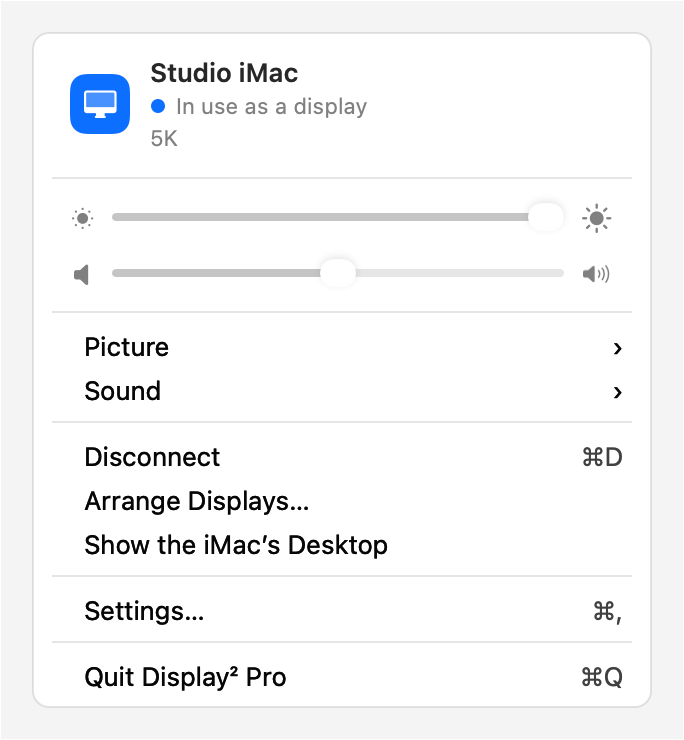
These are real screenshots of the app on macOS. You’re welcome to use them in coverage of Display². The desk scenes elsewhere on this site are illustrations; please don’t present them as photos.
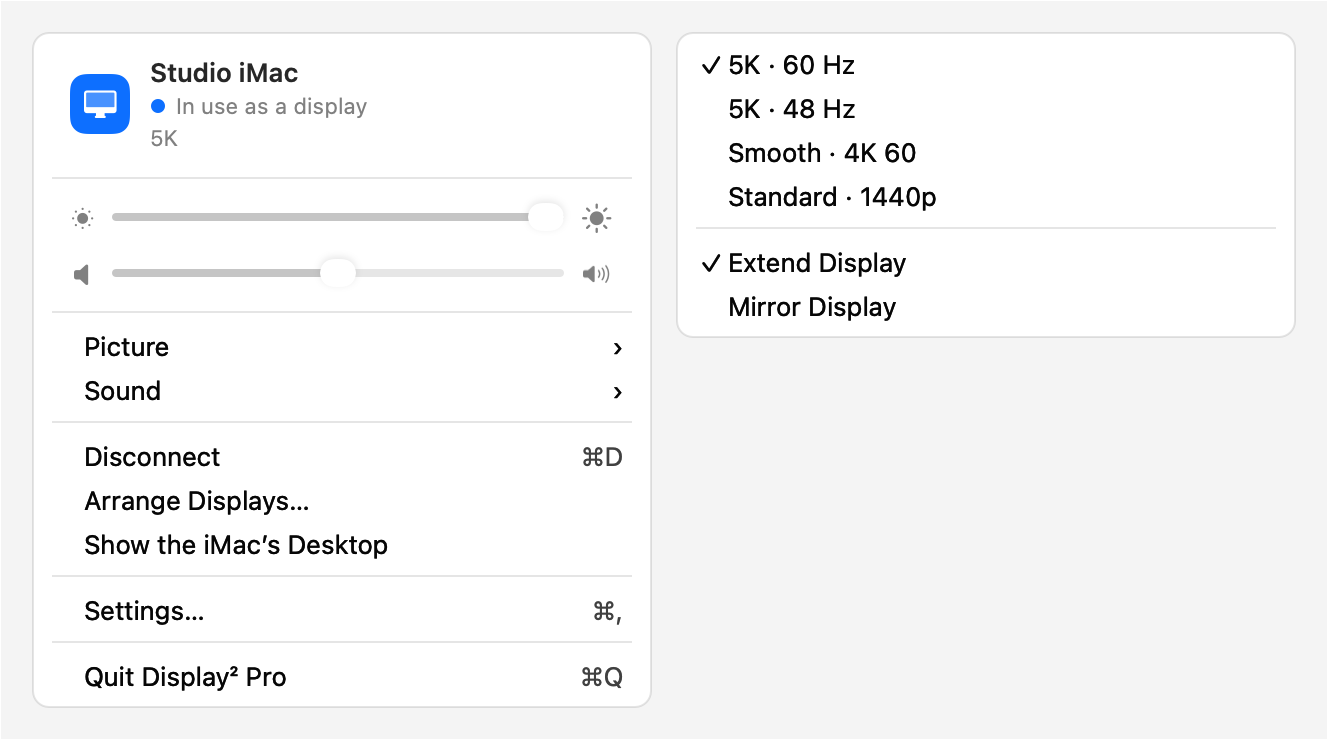
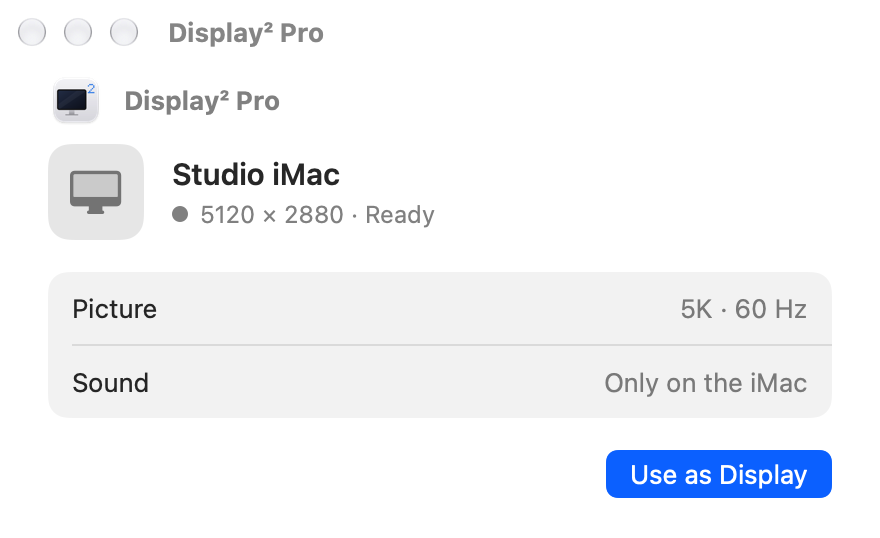
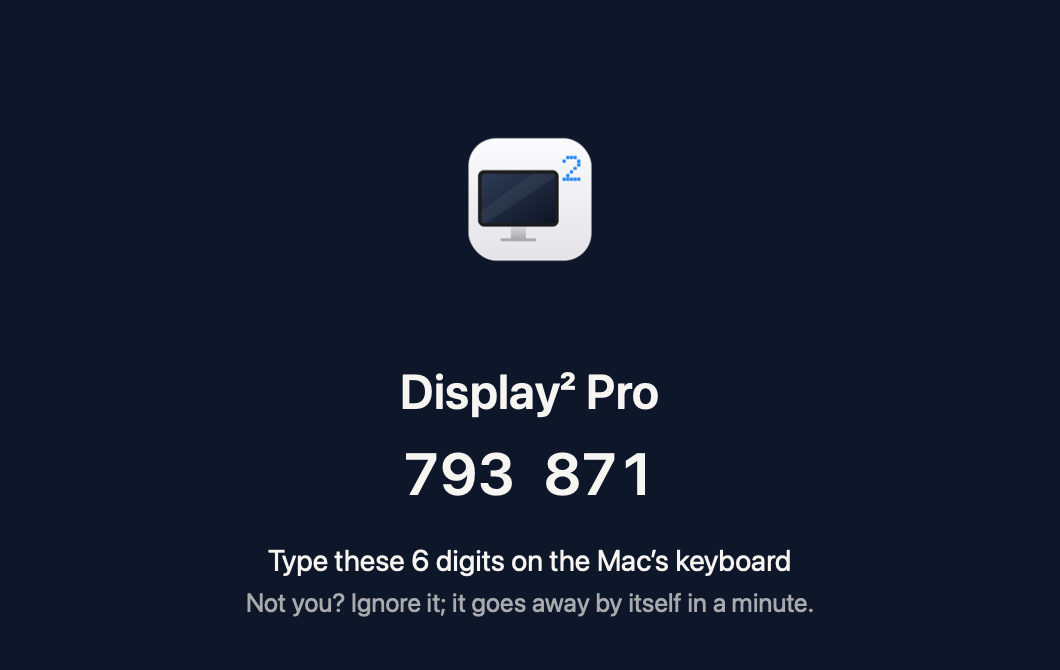
App icon: PNG, 1024 × 1024 · SVG. Please don’t change its colours or add effects.
More to read
- Why Target Display Mode doesn’t help on a 5K iMac
- How to use an iMac as a monitor for your Mac
- Help, and a plain-text summary for AI tools at /llms.txt
Contact
Email support@display2.app. We read everything and reply in English or Chinese.